Whether you’re an experienced product launcher or just beginning, every initiative differs in structure, scale, and objectives. HQ helps teams identify where to concentrate effort—and where investment isn’t necessary. Design systems often feature prominently in these discussions.
What is a design system and how long does it take to create?
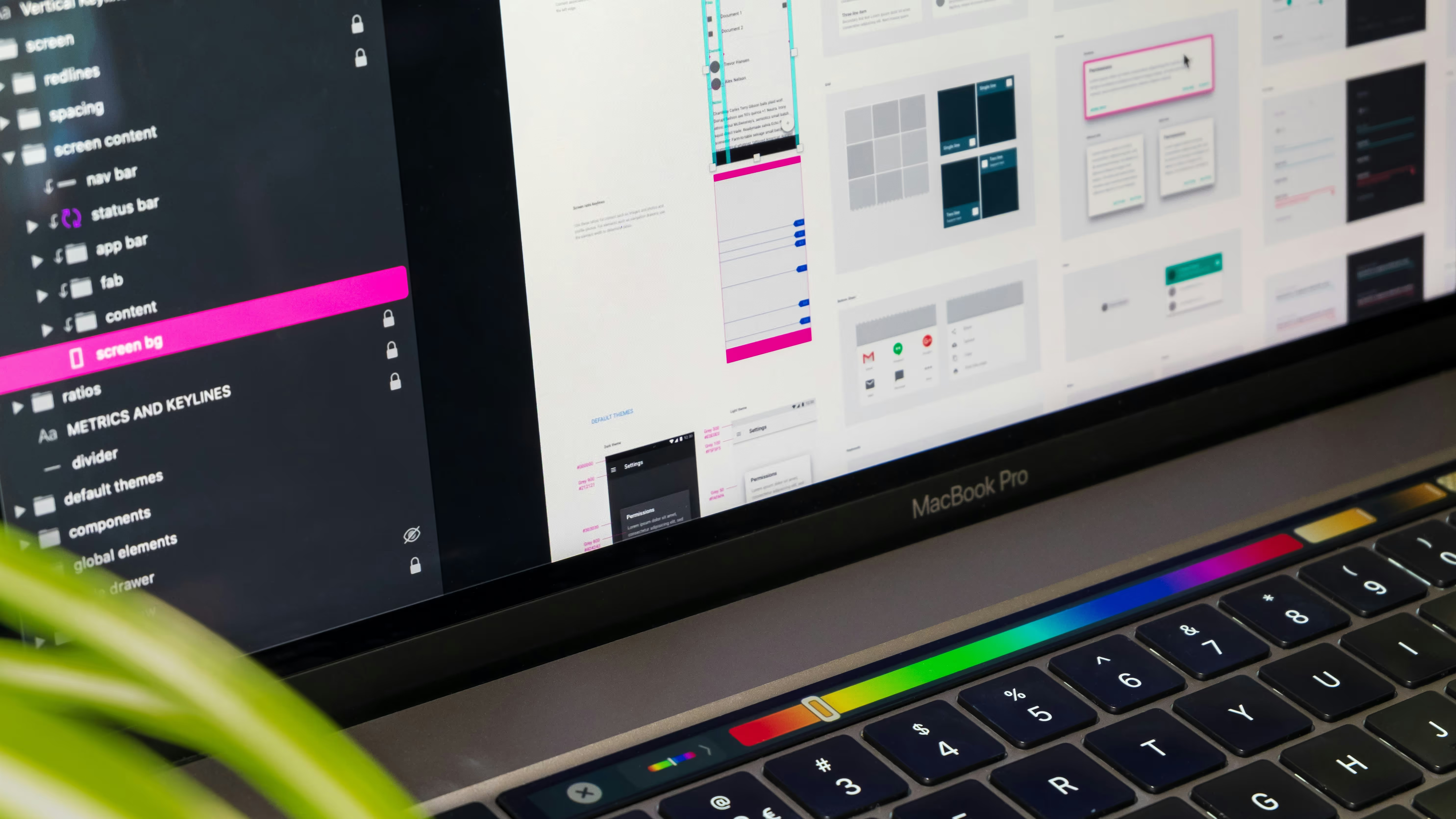
A design system represents a library of reusable, adaptable components and styles that designers and developers pull from when building new features and screens. The primary advantage is consistency across growing products.
The initial setup demands more time, though it accelerates subsequent work by using established patterns rather than creating solutions repeatedly.
Time requirements fluctuate based on:
- Number of components — Ten components require less effort than fifty
- Component complexity — Basic elements like buttons are simpler than tables, charts, or complex visualizations
- Number of modes — Light mode, dark mode, and high contrast options each demand dedicated design time
Does my product actually need a design system?
Design systems offer significant value but aren’t universally necessary. They require ongoing maintenance, so assessment is crucial.
What type of product is it?
UI-heavy applications with numerous interactions benefit more than marketing-focused websites. Products with extensive screens and user flows justify the investment.
What’s the current—or future—scale?
Design systems prove most valuable for complex or rapidly evolving products. Consider:
- Screen quantity and state variations
- Number of designers, developers, and teams involved
- Feature addition frequency
- Multiple mode requirements
Balance determines whether a design system saves time or creates unnecessary overhead.
What’s the budget?
Smaller budgets often benefit from prioritizing core features over comprehensive system development. Systems can be introduced later as products expand.
Prebuilt vs. custom design systems
Starting with prebuilt UI libraries offers design system advantages without full initial costs. These ready-made components accept customization for brand colors, fonts, and styling.
Benefits include:
- Accelerating current work through prepared design and code
- Simplifying future development via familiar underlying structures
The recommendation for most clients favors prebuilt solutions like Material UI or Chakra UI. Unique product visions may justify custom systems, requiring greater time and resource commitment.
So… should you build one?
The appropriate approach depends on your product, team, timeline, and budget. Sometimes lightweight systems suffice; other times, maintaining flexibility suits better.
HQ assists teams in making informed decisions, ensuring you build what your product genuinely requires rather than what seems advantageous conceptually. If you’re working through these decisions, our UX design team is happy to help.