
Part one of three on how you can edit a website in 2026. This one is the AI approach. Part two is a click-to-edit layer for clients, and part three is a full CMS.
Yesterday I changed a headline on this site by typing one sentence. I didn’t log into anything. I didn’t find the page in a menu or hunt for the save button. I described the change and an AI assistant made it. A couple of minutes later I was looking at the new version on a real URL before it went anywhere near the live site.
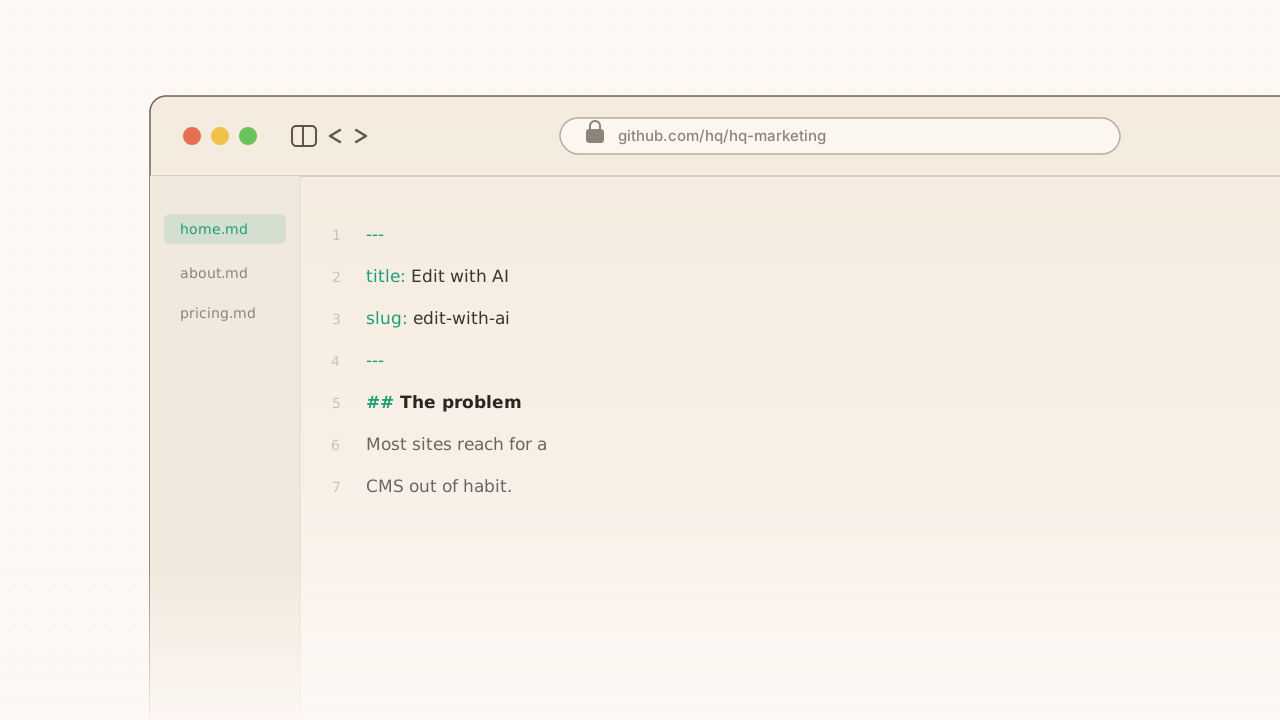
That’s the whole workflow. This site has no CMS. No WordPress, no admin panel, no database. Every page you’re reading is a text file sitting next to the code.
If you’ve ever managed a website, you know the tax that replaces. You want to fix one typo, so you go find your password, click through three menus, wait for a preview to load, publish, and clear a cache. It takes twenty minutes. So you stop fixing typos.
What you can actually ask for
The question everyone asks next is what counts as a change. Fair question, since “just ask for it” is the kind of thing people say right before showing you a demo that only works on one example.
Here’s the range in practice:
- “Here’s a Google Doc. Turn it into a blog post and match the style of the others.”
- “Update the new designer’s photo and bio on the team page.”
- “Go through every page, audit the meta descriptions against the term we want to rank for, and fix the weak ones.”
- “Add a new case study for this project using these five bullet points.”
That last one matters more than it looks. Adding a whole new page is usually the thing a CMS makes hardest, because someone has to build a template first. Here it’s the same kind of request as fixing a typo.
The content is just files
Every page on this site, including this post and every case study, is a text file with a few lines of settings at the top, stored in the same place as the site’s code. When we build the site, those files get turned into finished HTML pages that get served from servers around the world. Nothing gets looked up when you load this page, because there’s nothing to look it up in.
That last part is worth sitting with if security is on your mind. There’s no database to trick into handing over its contents and no server running code when someone visits. A large category of the attacks that plugin updates are forever racing to patch has nothing to aim at here.
The other thing you get for free is a paper trail. Every edit is recorded, permanently, with who made it and when. If someone asks what the pricing headline said in June and why it changed, that’s a thirty-second answer and a one-click undo. Most CMSes charge extra for a worse version of that.
The safety net I didn’t expect to rely on
Every change becomes a proposal, not a live edit. The AI makes the change, then builds a private copy of the entire site with the change in it, at its own URL. I look at the real thing on the real page and decide. Nothing reaches visitors until someone says yes.
Underneath that, the build refuses to ship broken content. We have automated checks that read every content file before it can go live: does this case study have all the fields it needs, does the image this post points at actually exist. If I fat-finger a field name or link a photo that isn’t there, the build stops and the bad version never leaves the building. It’s less like a CMS and more like a spell checker that won’t let you hit send.
On a hosted CMS, that same slip is usually a broken page in production that stays broken until a human happens to scroll past it.
Is it fast?
Static files on a CDN are fast almost by definition, so instead of hand-waving I’ll give you our numbers. On desktop, a production Lighthouse run scores this homepage 94 for performance and 100 for SEO. First paint lands around 0.8 seconds, with zero total blocking time. There’s no server work and no data fetching in the way, so there isn’t much left to be slow.
Mobile is worse, mostly because of the hero image. We’re still working on it. I’d rather tell you that than quote the desktop score and change the subject.
Who this is wrong for
I’d be selling you something if I stopped here.
This works when the people editing the site are comfortable describing changes to an AI, or are happy handing them to someone who is. It’s a genuinely different habit than clicking around a dashboard, and some teams take to it in an afternoon while others never do.
It also assumes somebody reviews what gets proposed. That’s a feature when your brand voice matters and a nuisance when you just want the thing published at 4:55 on a Friday.
And if your marketing lead wants to fix her own headline on a Tuesday afternoon, on her phone, without talking to anyone, a folder of text files isn’t the whole answer yet. That’s exactly what we built next, and it’s part two.