
Part three of three on how you can edit a website in 2026. Part one covers updating a site by asking AI, and part two covers click-to-edit for clients.
One thing before I start. The first two posts came from things we shipped. This one is where our thinking goes when a project gets too big for the simple approaches. I’d rather say that up front than dress a plan up as a finished result.
With that out of the way: the first two posts are a pitch for keeping things simple, and most websites really are better off simple. But most isn’t all, and you deserve to know where the simple answer runs out.
The signs you’ve outgrown files
You don’t need a real CMS because it’s the serious choice. You need one when you keep hitting specific walls:
- Several people editing at once, on a real publishing calendar, with someone who has to approve things before they go live.
- Content in more than one language, where a translation workflow beats copying files around and hoping.
- The same content showing up in a few places, like a website and an app and an email, that you’d rather not update three times and get wrong twice.
- Publishing on a schedule, where “this goes live at 9am Tuesday” is a setting rather than a person setting an alarm.
If none of those sound like you, the first two posts are your answer and you can go do something else with your afternoon. If three of them made you wince, files have quietly become the thing slowing you down.
What you’re buying
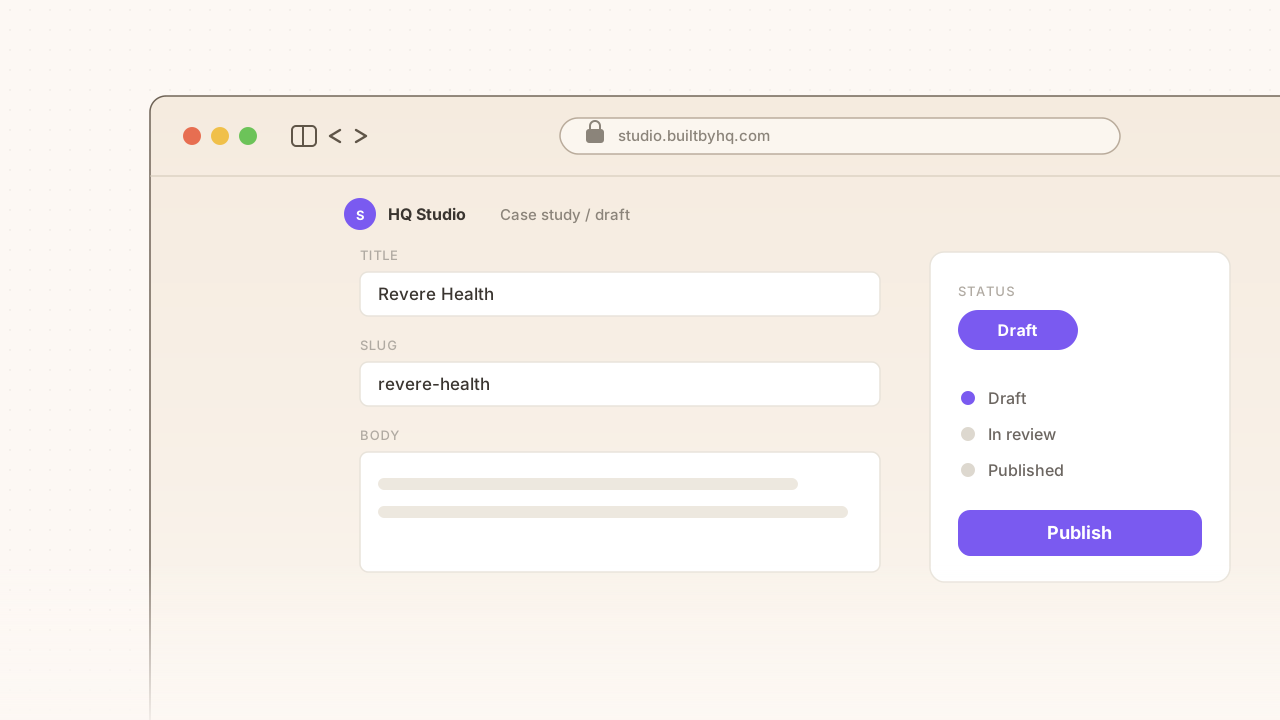
The real shift is from writing documents to defining shapes. Instead of freeform text, you decide up front what a case study is: it has these fields, it points at these people, it belongs to these categories. Everything after that gets easier because the software knows what it’s holding.
On top of that you get the machinery bigger teams need. Permissions decide who’s allowed to change what. Content moves from draft to review to publish, on a schedule if you want one. Translations get managed in the same place. And a media library that isn’t a shared Google Drive folder.
None of that has to make your site slow, for what it’s worth. The CMS becomes the place content is written, and the fast front end we’d build anyway stays the place it’s delivered.
What it costs you
Now the honest part. Everything the first two posts were pleased not to have, you now have.
There’s a service and a database to run and secure. Both cost money every month. That’s real work and a real thing to break into, and plain files just don’t carry it. Structured editing is also harder to learn than clicking a headline and typing, and the people you’re buying it for are the ones who have to learn it. Keeping the site fast while the content is live takes deliberate work instead of being free.
None of that is a reason to avoid a CMS. It’s a reason to be sure before you sign up for it.
Why our default is still the other end
We’ve done the groundwork to go this direction when a project calls for it, and we’ve deliberately left it switched off, because most of the sites we build are happier at the simple end.
If you’re trying to work out which of the three you need, our website team will tell you honestly, including when the answer is the cheap one.