

The Platform
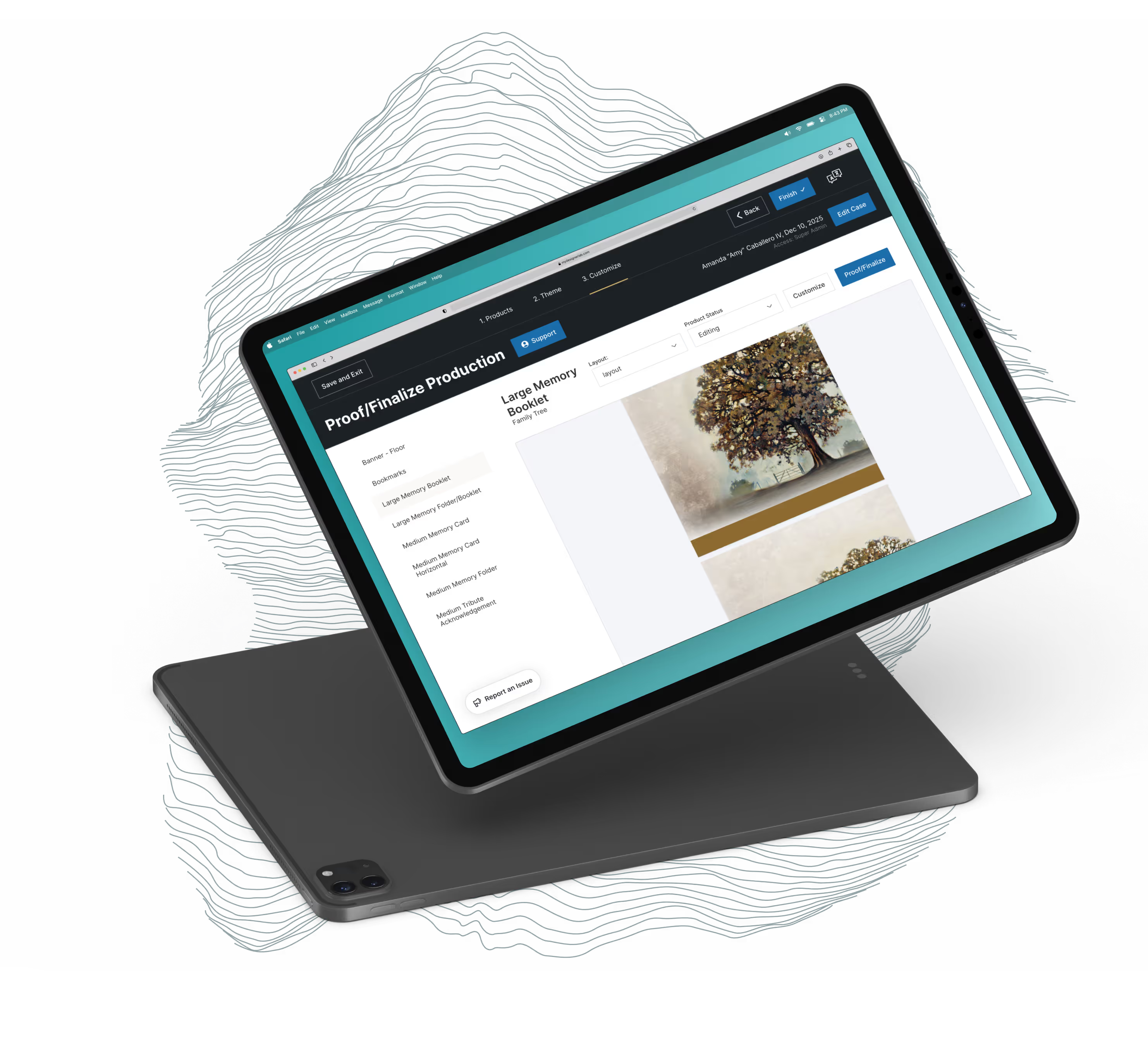
My Designer Lab is Messenger’s design and ordering platform, used by funeral directors and their teams to customize and order memorial products at high volume. Built for speed and scale, the platform supports complex customization workflows while helping Messenger efficiently manage production across thousands of cases.
HQ has partnered with Messenger on My Designer Lab for many years through an ongoing monthly retainer, acting as an embedded design and development team. Feature requests typically originate from funeral homes and flow through the Messenger team to HQ, requiring us to move quickly, think strategically, and prioritize stability in a mission-critical tool.
Because My Designer Lab is used daily, updates must be carefully timed and thoroughly tested. The platform’s scale and volume demand a balance between continuous improvement and reliability, with a strong focus on responsiveness when issues arise.
My Designer Lab is the operational backbone used daily by funeral directors and their teams to design, customize, and order memorial products.
The Design
Design for My Designer Lab is highly collaborative and often happens in step with development. Our designers regularly jump in asynchronously when our developers need clarity on how to approach new feature requests, sometimes producing designs from scratch, other times reviewing, refining, or validating developer-led solutions.
In addition to feature-level support, we’ve led broader design initiatives to improve usability and consistency across legacy areas of the platform. Recent work includes:
- A design audit of a core ordering system, where we recommended standardized chart styles, clearer color usage, and a more intentional information hierarchy to make complex workflows easier to navigate.
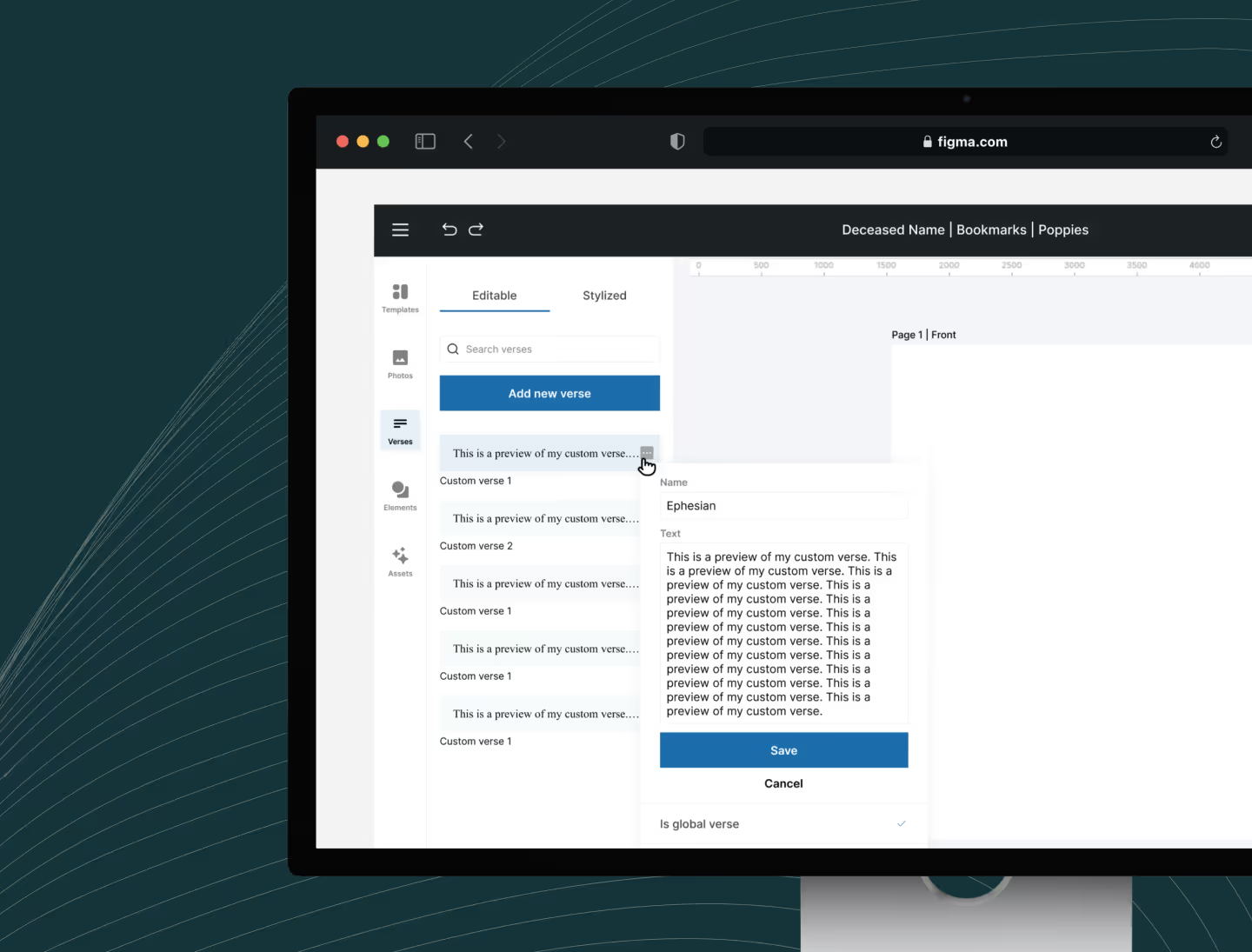
- A redesign of Messenger’s visual editor to feel more familiar and intuitive, borrowing interaction patterns from tools like Canva and Figma. This work was intentionally scoped to roll out incrementally, allowing improvements to be introduced alongside active development efforts.
- A UI kit for 13 of the platform’s most-used components, designed in both light and dark modes. Built to integrate seamlessly into existing workflows, the kit helps align new features with a longer-term vision for My Designer Lab, while staying efficient and within the bounds of our ongoing retainer.
The Development
Whether a request comes from Messenger’s clients or the Messenger team directly, HQ is always a message away, via Slack, Trello, or email. From there, we follow a tried-and-true development process that has enabled us to successfully launch hundreds of features and improvements over the course of our partnership.
- Coming up with a plan. Every feature begins with questions. We take the time to fully understand the request, clarify requirements, and uncover hidden nuances. Once aligned, HQ presents a range of possible solutions.
- Making sure things are pretty. This is where our collaborative design process comes in. We work closely with Messenger to share early blueprints, gather feedback, and refine the experience before moving forward.
- Making an idea real. Development is a team effort with many phases. We start by reviewing designs and confirming our approach, then map out a technical roadmap. From there, we work our magic and code out a solution.
- Polish. To make sure our code is readable, maintainable, and follows best practices, it is peer-reviewed and tested by the rest of the team. Once we’ve sent it to our QA team and are confident in the product, we share it with Messenger to review and give us the green light.
- Ship it. The feature goes live, and we eagerly await the next request.
Lotus
The visual editor redesign turned into a rewrite. Messenger’s editor ran on TinyMCE, an off-the-shelf text editing library, and the further we pushed the feature set the more we were working against it. So we built our own. It is called Lotus.
Lotus stores text as nested boxes and blocks, with a single styling table covering the whole cascade. Those rules are enforced in the database rather than in application code, so a document cannot be saved into a state the editor is unable to render.
Rolling it out carefully mattered more than shipping it quickly. A toggle in the editor settings decides whether a new box is Lotus or TinyMCE, and a box never converts between the two once placed. Lotus has to do everything TinyMCE could before Messenger’s designers give it the green light. Migrating existing documents waits until after that.
Fonts got the same treatment. The editor’s font list syncs from a reference table matched against what the production container actually has installed, with open substitutes filling the gaps, so a proof renders the same on a designer’s laptop as it does in production.
What a week looks like
Every week Messenger gets a written status in the same shape. What went live in production. What is ready for them to test. What is in progress. What we need from them.
What that looks like in a month
In August 2026, 820 funeral homes placed orders through My Designer Lab. The platform generated 53,588 proofs that month and took in 57,891 photos from families.
Across its life it has handled 402,103 memorial cases and 2,222,698 family photos.